
Download Keyboard Explorer – PC Keyboard Learning Guide, Beginner Tool, Keyboard Tutorial
Overview
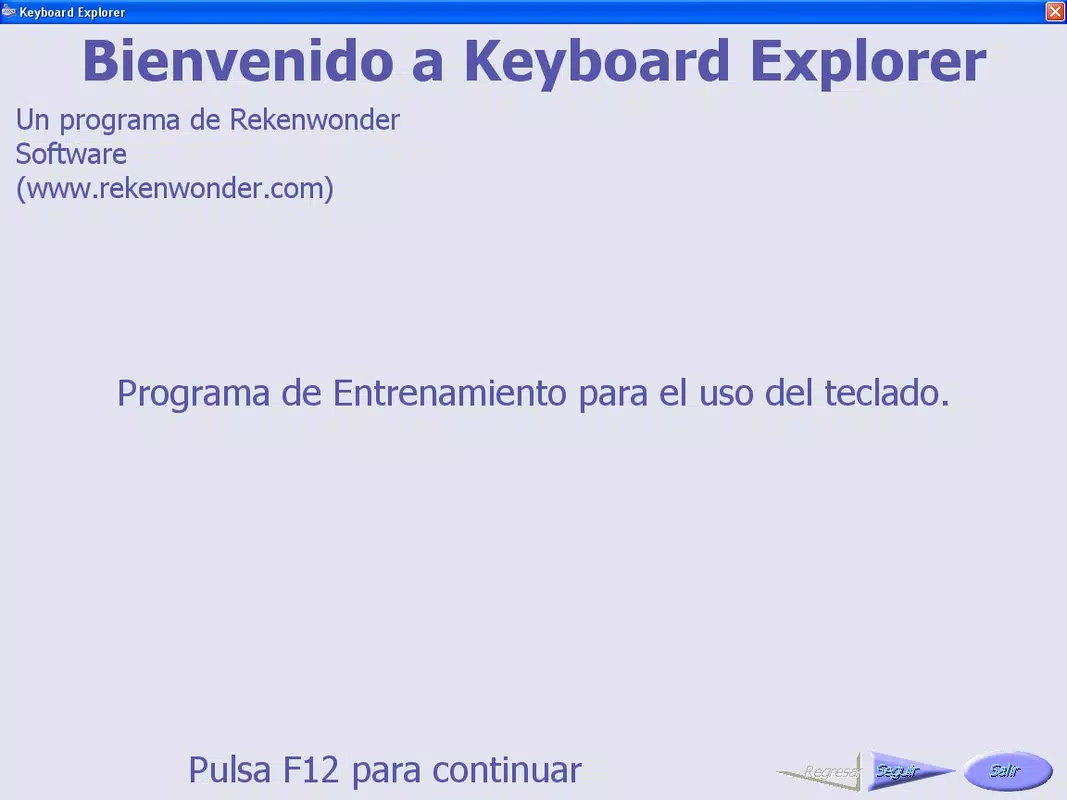
Keyboard Explorer is a specialized educational tool designed to support individuals who are new to computing, particularly those learning how to use a PC keyboard for the first time. The app’s primary purpose is to demystify the various keys and their functions, offering a structured and accessible entry point into digital literacy. It addresses the common challenge faced by beginners: understanding the layout and functionality of a keyboard, which is often overwhelming due to the number of keys and their varied roles.
Target users include students, older adults transitioning to digital technology, and anyone seeking foundational computer skills. The app solves the problem of fragmented learning by organizing keyboard keys into logical groups—such as Writing Keys, System Keys, and Function Keys—enabling learners to approach the keyboard in a methodical, step-by-step manner. This categorization supports cognitive clarity and reduces the learning curve.
Although the developer’s background is not disclosed, the app’s long-standing presence since its release on October 17, 2008, suggests a focus on stability and educational value over frequent updates. Real-world use cases include classroom instruction, home-based learning, and self-paced training for individuals with limited tech exposure. In the broader app ecosystem, Keyboard Explorer fills a niche role as a no-frills, purpose-built utility that prioritizes clarity and pedagogy over flashy design or advanced features.
Key Features & Functionality
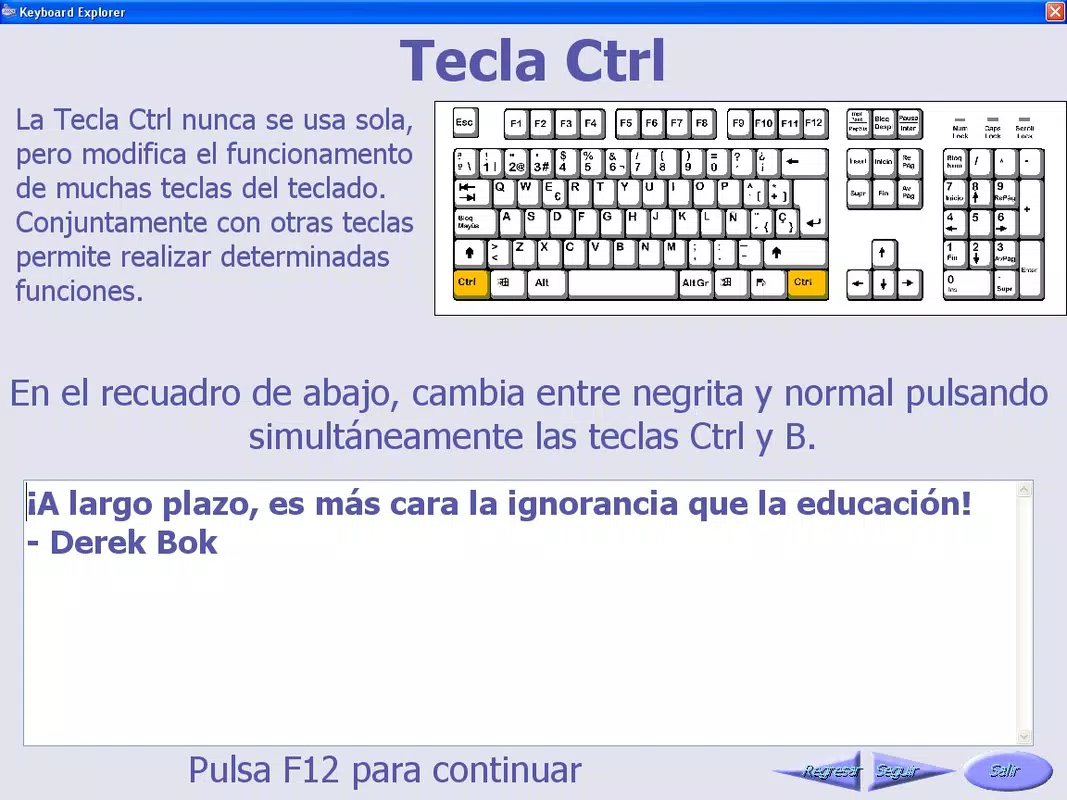
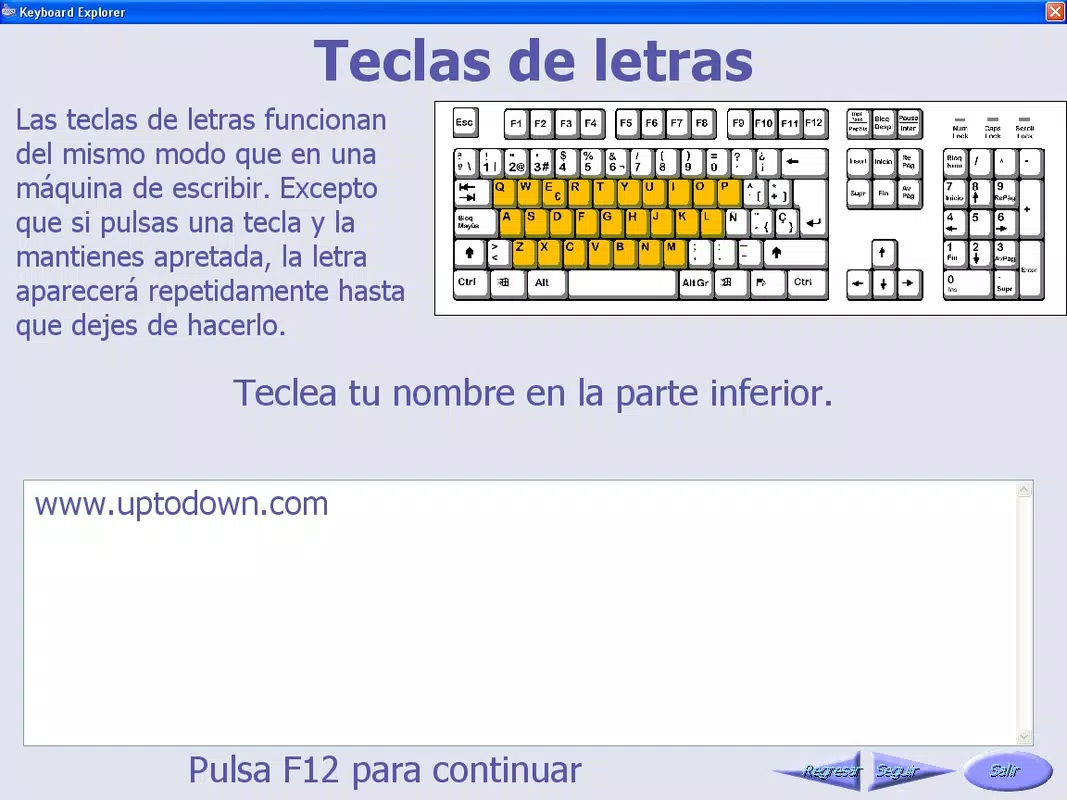
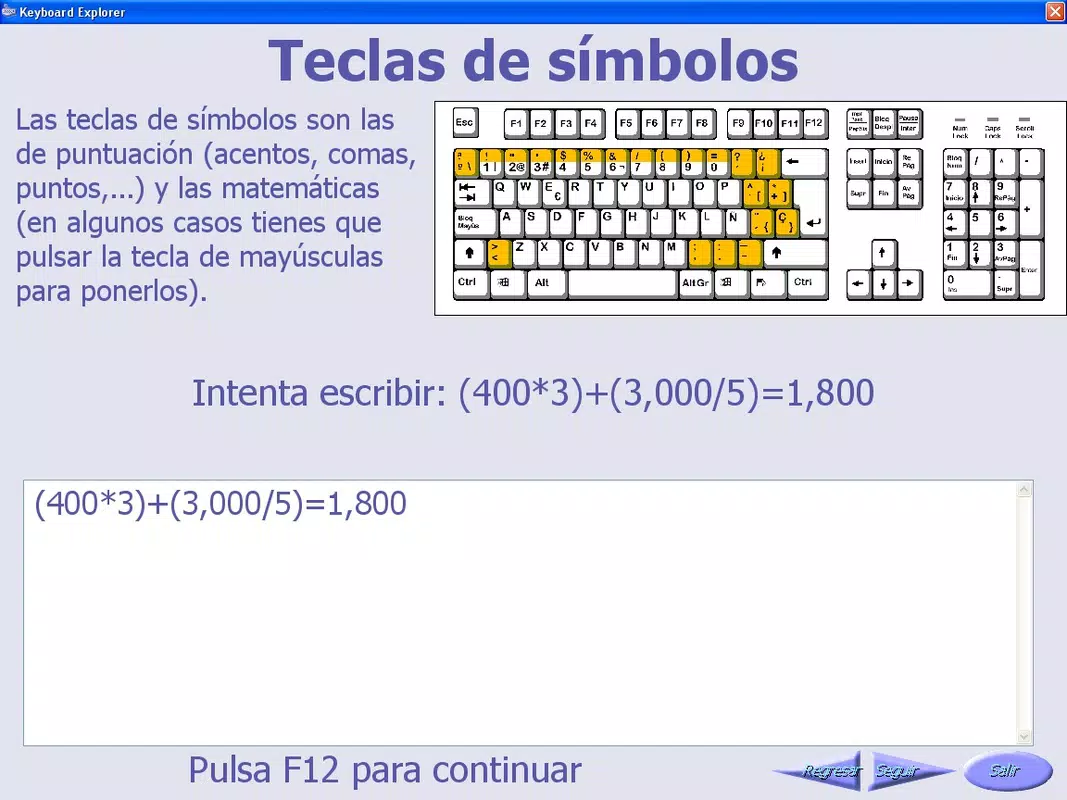
- Comprehensive Key Grouping: Keyboard Explorer divides the keyboard into clearly defined categories, including Writing Keys (letters, numbers, punctuation), System Keys (Ctrl, Alt, Windows), and Function Keys (F1–F12). This segmentation allows learners to focus on one group at a time, reducing cognitive overload and promoting systematic learning.
- Detailed Lessons: Each key group is accompanied by explanatory content that describes the function, usage scenarios, and common keyboard shortcuts. These lessons are designed to be accessible to users with no prior experience, using simple language and visual cues to reinforce understanding.
- Practical Exercises: The app includes interactive activities that require users to identify keys, perform specific key combinations, or complete typing tasks based on the lesson content. These exercises reinforce memory retention and build muscle memory through repetition.
- User-Friendly Interface: The interface is intentionally minimal and intuitive, with large, clearly labeled buttons and consistent navigation. This design ensures that even users with limited digital literacy can move through the app without confusion or frustration.
- Beginner-Centric Design: Every aspect of the app—from content delivery to exercise structure—is tailored for absolute novices. It avoids technical jargon and assumes no prior knowledge, making it an ideal starting point for digital beginners.
For example, a user learning the Function Keys might first read about their role in software navigation, then complete a practice task where they press F5 to refresh a simulated webpage. This hands-on approach ensures that theoretical knowledge is immediately applied, enhancing long-term retention and confidence.
Interface, UX & Performance
The interface of Keyboard Explorer reflects a design philosophy centered on clarity and accessibility. The layout is clean and uncluttered, with a focus on large text, high-contrast colors, and logical flow. Navigation is linear and predictable, guiding users from one lesson to the next without unnecessary detours or pop-ups.
Visual elements are minimal but effective—icons represent key types, and each lesson page maintains a consistent structure, reducing the mental effort required to understand the content. The app does not rely on animations or sound effects, which contributes to a stable and distraction-free learning environment.
Although the developer did not list formal performance metrics, the app’s lightweight nature and straightforward functionality suggest it operates smoothly across a range of devices. It is likely to perform well on older hardware, a key consideration for users in educational or low-resource settings. Responsiveness is expected to be consistent, with quick transitions between lessons and exercises. Stability appears to be a priority, given the app’s long-standing availability since 2008.
Platform Compatibility & Technical Requirements
Keyboard Explorer is available for Windows operating systems. The app was released on October 17, 2008, and its current version is not specified. The file size is not disclosed, but the app’s focus on educational content rather than multimedia suggests it is relatively lightweight.
The developer did not specify minimum OS requirements or compatibility details. As such, users should exercise caution when installing on modern systems, as older applications may not function optimally on newer Windows versions without compatibility settings. The app may require legacy support or compatibility mode to run on recent Windows platforms.
Pros and Cons
Pros
- Specifically designed for absolute beginners with no prior computer experience.
- Clear categorization of keyboard keys enhances learning efficiency.
- Combines theory with practical exercises for active learning.
- Simple, distraction-free interface ideal for low-literacy users.
- Long-standing availability indicates reliability and consistent core functionality.
Cons
- Developer did not provide information on minimum OS requirements or compatibility.
- App version and file size are not disclosed, limiting user planning.
- Limited to Windows platform; no information on availability for other systems.
- May not function optimally on modern Windows versions without compatibility adjustments.
- Lacks modern features such as progress tracking, gamification, or multi-language support.
FAQ
Is Keyboard Explorer safe to download and install?
Yes, the app is designed as an educational tool and does not include malware or intrusive ads. However, since it is an older application, users should ensure their system is protected with up-to-date antivirus software before installation.
Can I use Keyboard Explorer on modern Windows systems?
While the app was released in 2008, it may still run on modern Windows versions with compatibility mode settings. Users are advised to test the app in a secure environment before full deployment.
Is Keyboard Explorer free to use?
The pricing information was not provided. Users should verify the official source for current availability and cost before downloading.
Does Keyboard Explorer support multiple languages?
The developer did not disclose language support details. The app may be available only in English, or additional language options may be limited.
How often is Keyboard Explorer updated?
There is no publicly available information on update frequency. The app’s long-standing presence suggests infrequent updates, with a focus on maintaining core functionality rather than adding new features.
Final Thoughts
Keyboard Explorer remains a relevant and valuable resource for individuals taking their first steps into the digital world. Its focused approach—breaking down the keyboard into manageable components and pairing them with hands-on practice—makes it a rare example of a tool that truly prioritizes user understanding over complexity. While it lacks modern enhancements like progress tracking or multilingual support, its simplicity is its greatest strength.
It is especially beneficial for educators, caregivers, and self-learners who need a no-nonsense guide to foundational keyboard skills. For those seeking a secure, straightforward, and effective way to learn how to use a PC keyboard, this app offers clear value. Despite its age, its purpose-driven design ensures it continues to serve its intended audience.
Download Keyboard Explorer now


